Early access

The console your players never see

Overseer Studio is a digital GM screen that organizes and tames the chaos of managing website tabs, applications, and physical notebooks.

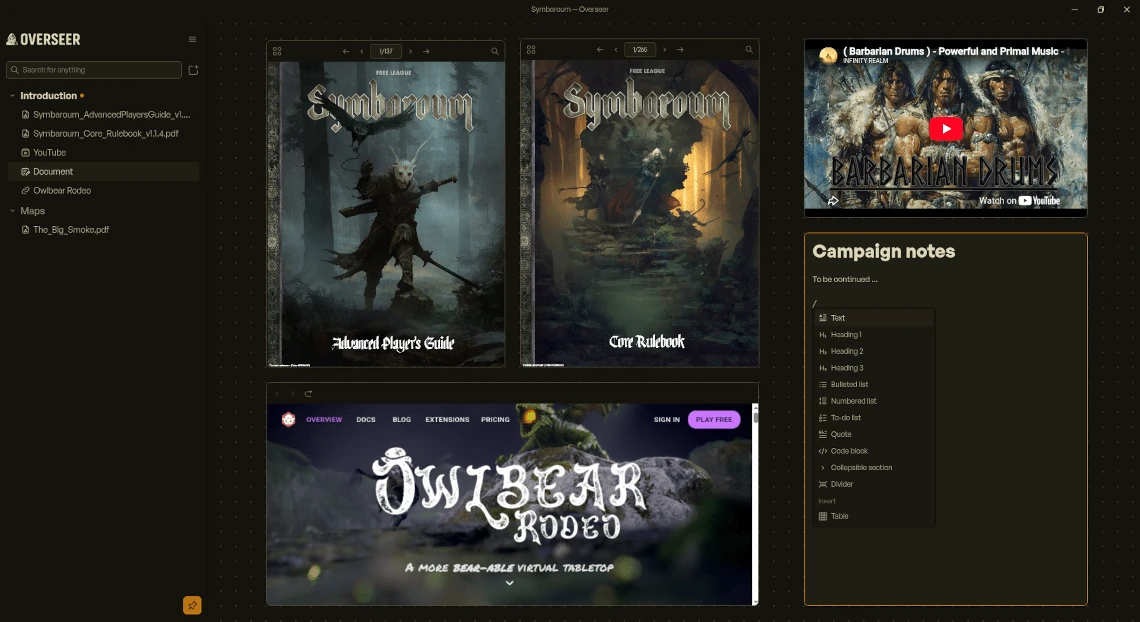
An Overseer canvas running Symbaroum: two rulebook PDFs, a YouTube music video, the Owlbear Rodeo virtual tabletop, and a campaign notes tile with its slash command menu open.

Put any website, application, or file on the canvas

The best part of Overseer Studio is that there's nothing new to learn. Your VTT opens in a tile, so does the rulebook PDF, the map you drew at lunch, the ambient track, and the wiki where you keep your campaign notes. Drop a file onto the canvas and it becomes the right kind of tile on its own.

Websites stay logged in between sessions, so Roll20, Foundry, and D&D Beyond are one glance away instead of one tab hunt away. Native applications like Spotify or Kenku FM sit right on the canvas too. Arrange all of it the way you actually run a game; you're not learning someone else's idea of a tabletop.
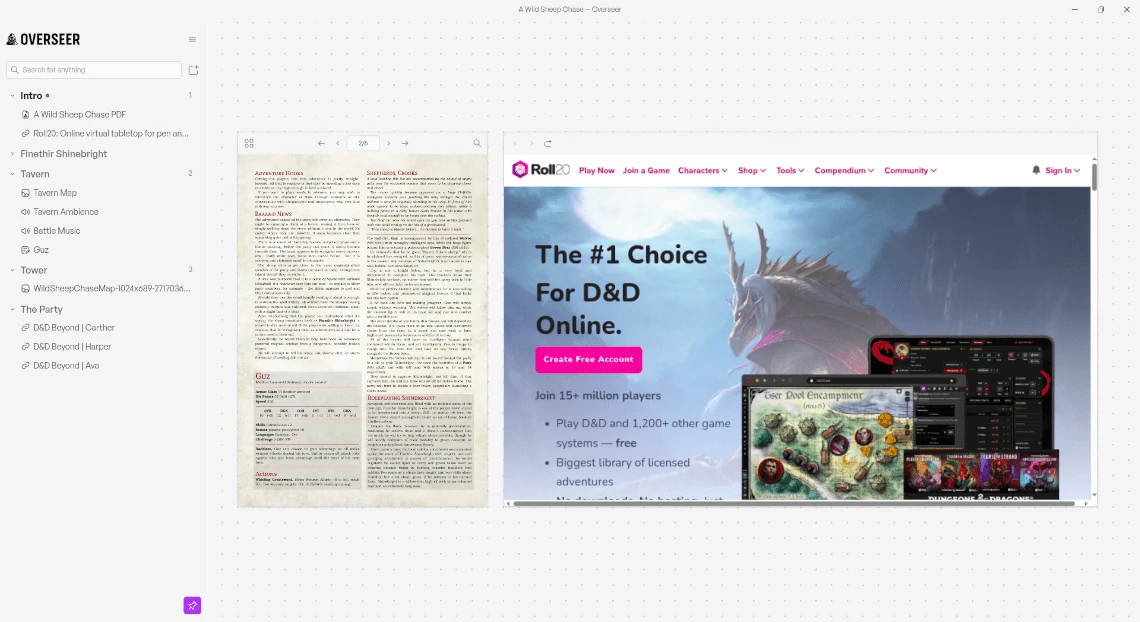
The sidebar listing separate screens for the intro, the tavern, the tower, and the party, beside an open adventure PDF and Roll20 still logged in.

Give every scene its own screen

A screen is a canvas of its own. Build one for the tavern, one for the road, one for the boss fight, and switch between them with a keypress. The one you're not looking at stays exactly as you left it.

Not every screen needs to be a layout. Create a page instead and a single tile fills the whole window. Mix the two however the night calls for it. Create a busy canvas while the party picks a fight and a single page for the entire campaign PDF.

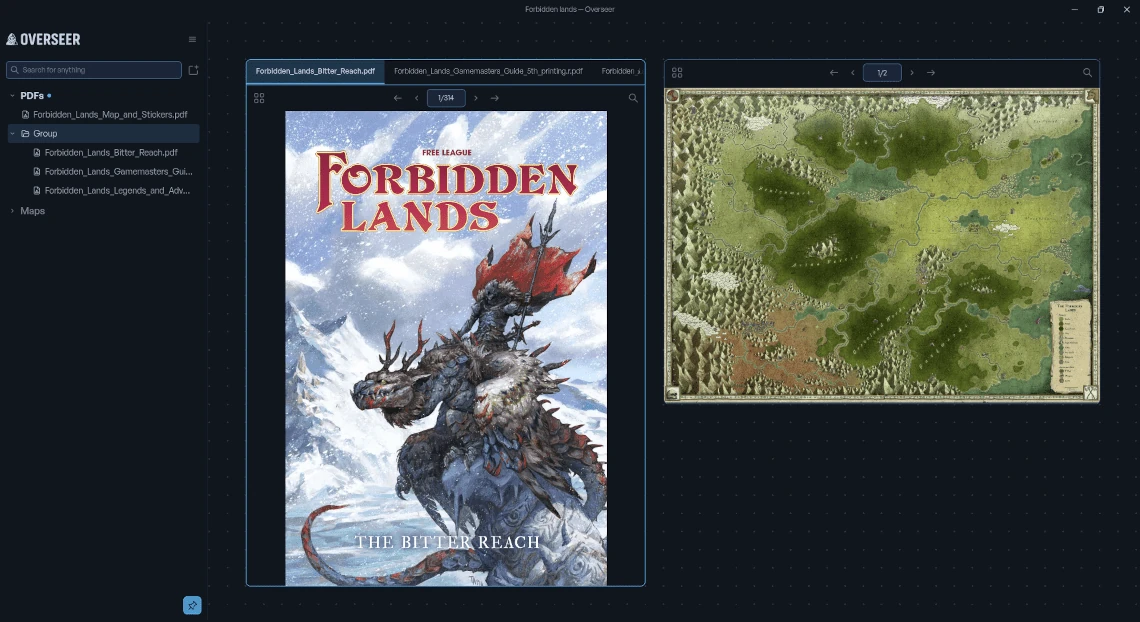
Three Forbidden Lands PDFs stacked as tabs inside a single tile, with the region map open in a tile beside it.

Stack the whole rulebook into one tile

Drag one tile onto another and they become tabs. Monster blocks, spell cards, and the three rulebooks you keep flipping between all live in one tile instead of sprawling across the canvas. Move, reorder, and resize a group. Drag a tab outside the group to ungroup.

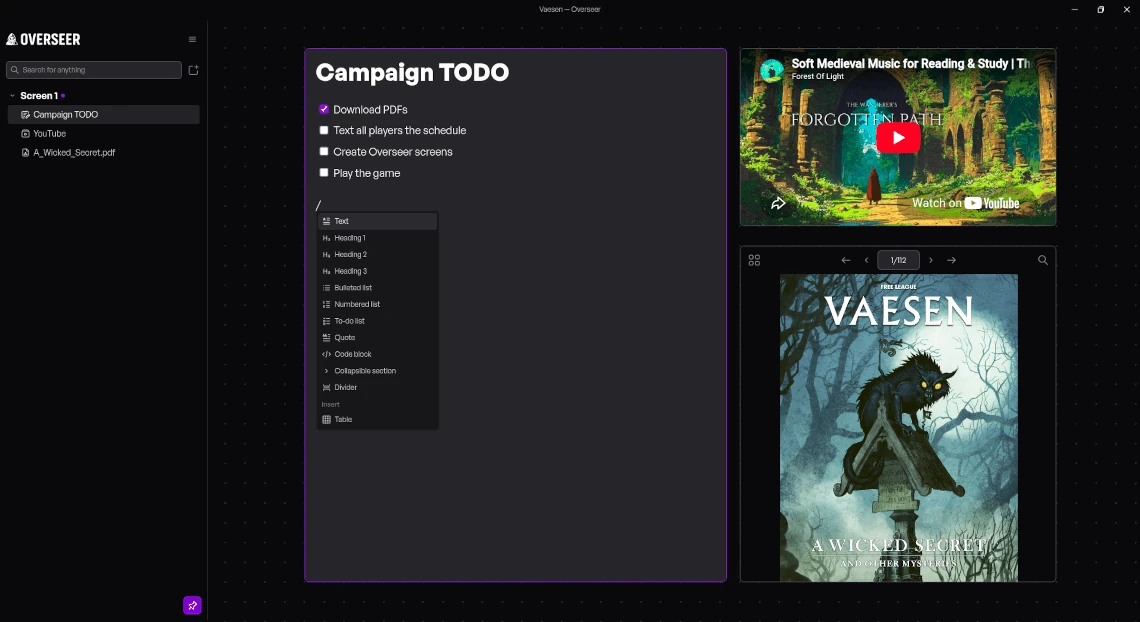
A Campaign TODO document tile with a checklist and the slash command menu open, next to a music video and the Vaesen rulebook.

Write your session notes right on the canvas

Notes don't need to live in another program. Add a document tile and write headings, bulleted lists, tables for your random encounters, checklists for the things you always forget to mention, and collapsible sections for what the party hasn't found yet. Type a slash for anything else. Paste in what you already wrote in Obsidian and the formatting comes with it.

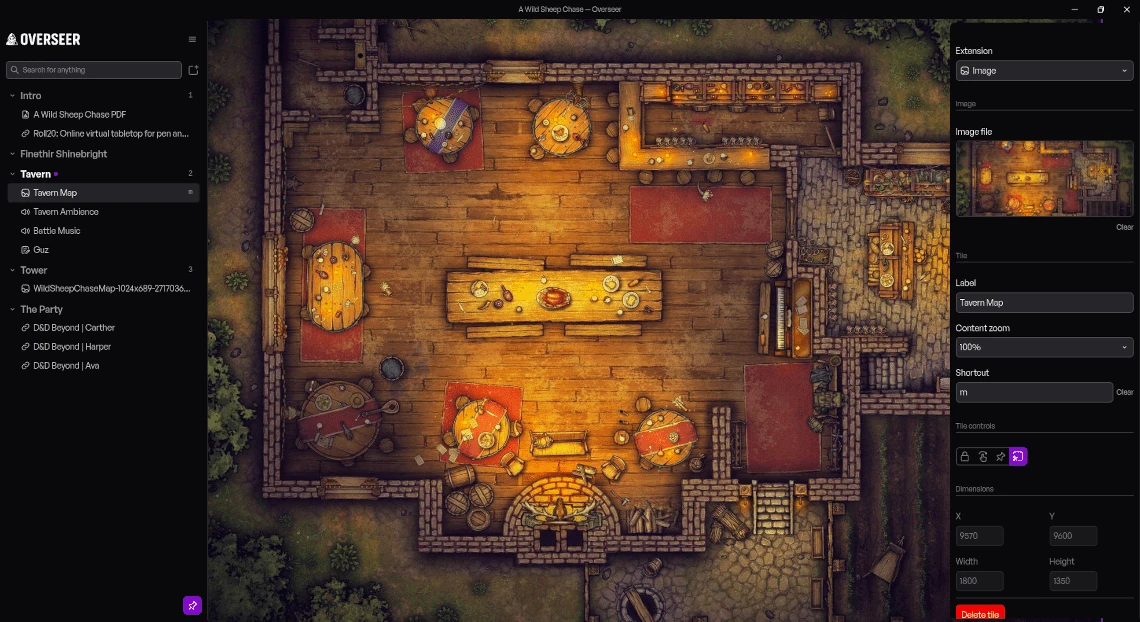
A tavern battle map filling the canvas, with the tile settings panel open beside it and the shortcut key m assigned to that tile.

A shortcut for every screen, and a search for everything else

Set a hotkey for the screens and tiles you know you'll reach for. Mid-narration, when the party finally opens the door you weren't sure they'd find, you're already on the encounter map before you finish the sentence.

And when you didn't plan for it (you never do), start typing in the sidebar. It filters down to the screen, the tile, or the reference you're after as you go. Your players will never know you're looking up information live as you speak.

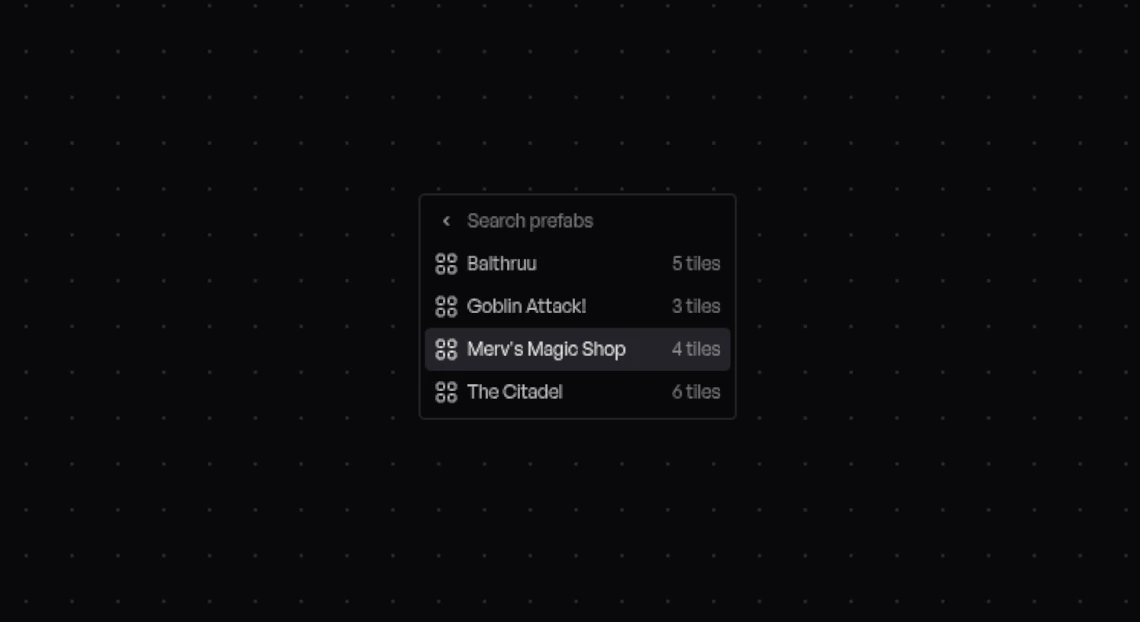
The prefab picker open on an empty canvas, listing saved arrangements: Balthruu, Goblin Attack, Merv's Magic Shop, and The Citadel, each with its tile count.

Build the roadside encounter once, then drop it in anywhere

Some things come up over and over. A roadside ambush. A shop. The recurring NPC your players refuse to stop talking to. Arrange those tiles the way you want them once (statblock, portrait, map, notes), then save the whole thing as a prefab.

Prefabs belong to Overseer, not to one campaign, so the shop you built in your first campaign can be built again in two clicks for your last campaign. Drop prefabs onto any screen and every tile lands exactly where you left it, relative to the others.

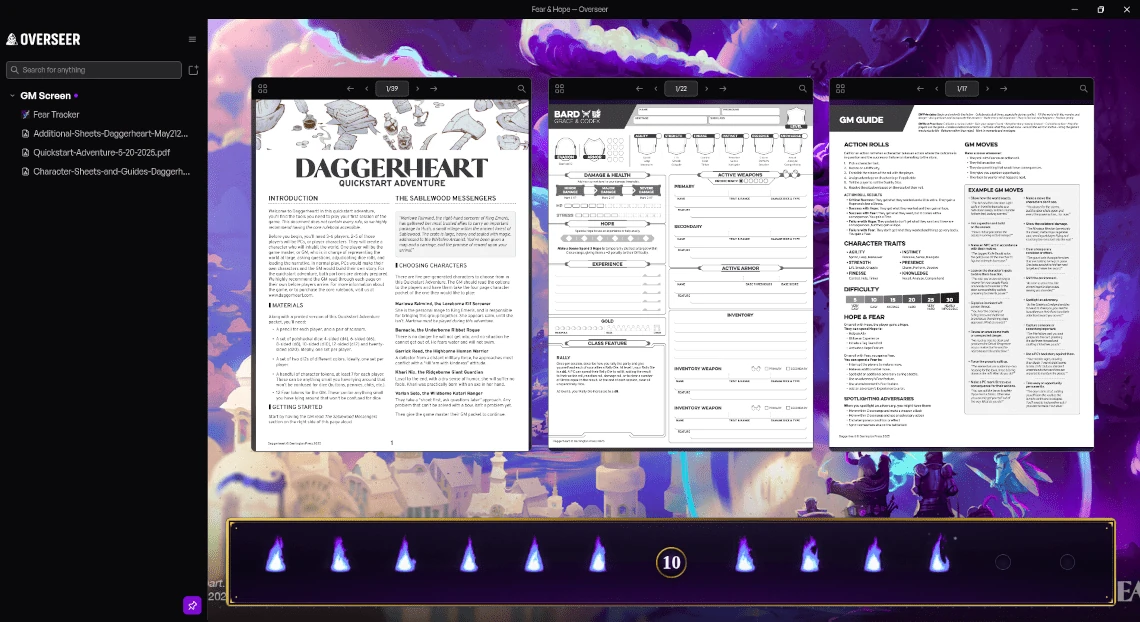
A Daggerheart GM screen: three reference PDFs over a nebula background, with a Fear Tracker pinned across the bottom of the canvas.

Pin what you need, lock what shouldn't move

Some tiles shouldn't go anywhere. Pin the initiative order or your notes to a corner and they stay put while you pan across the map, zoom into the room, and come back out. Everything else moves underneath them.

Make it look like the world you're running

You're looking at this screen for the whole session, so it might as well look like the game you're running. Go cold and clinical for the sci-fi horror one-shot, then warm and worn for the tavern campaign that's been going for two years.

A theme changes everything on screen, not just an accent color here and there. Install one from the marketplace, switch it whenever the mood does, and if none of them feel right, make your own.

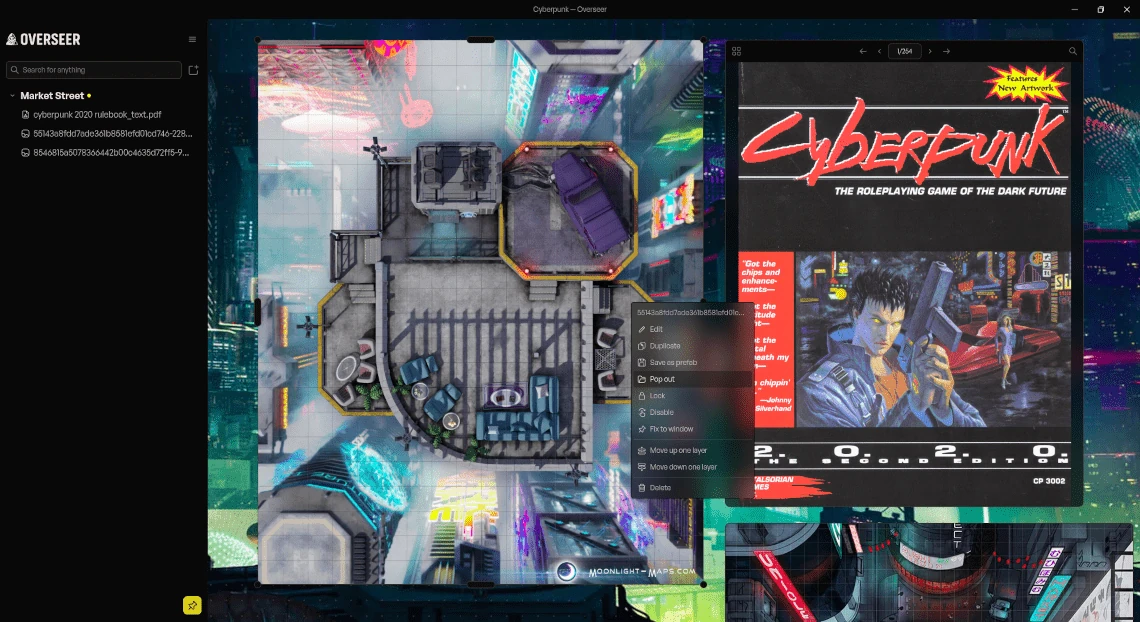
A Cyberpunk street map with the tile context menu open on Pop out, ready to send that map to its own window.

Show them the map. Not the notes next to it.

Overseer is your screen. Your players never see it, until you decide they should. Pop any tile out into its own window and it's yours to place. Drag the popout window onto the TV in the living room, park it on the second monitor, or share only that window on the video call. Everything else stays exactly where it is on your screen.

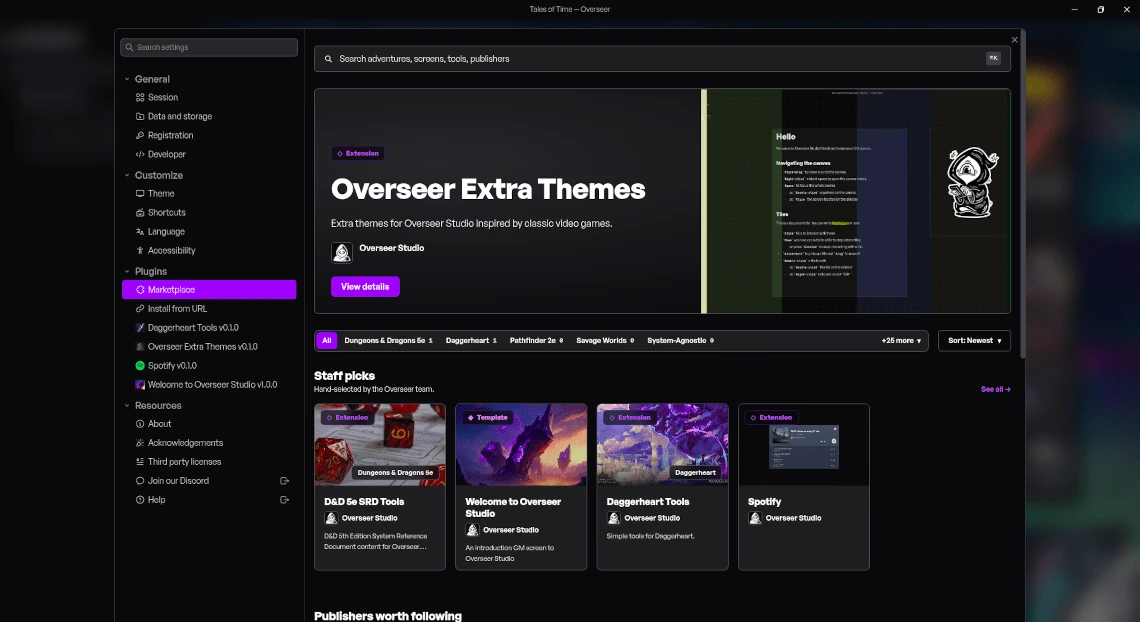
The plugin marketplace open inside Overseer, with a featured theme pack and a row of staff picks to install.

Download and install plugins for new tiles and premade GM screens

It's dangerous to go alone. Browse the marketplace without leaving Overseer and install new tile types, premade GM screens for the system you're running, themes, translations, and datasets.

If the thing you want doesn't exist yet, build it! An extension is HTML, CSS, and JavaScript, and the SDK gets you from an empty folder to a working tile in a few minutes. Publish it and the next GM looking for the same thing will find it waiting.

And there's more