Drag 'n Drop from any application
Drag a link, image, video, or anything else from another application directly into Overseer to import.
I was playing D&D with Tavern Talks the other week and I found myself constantly trying to drag images from our Discord chat into Overseer to organize them ... yet it wouldn't work.
Annoying.
Something that I don't talk about enough is how I am constantly using Overseer for my own games and the games I participate in. When something doesn't Just Work™, I make a note of it and look to fix it in the next release cycle. After all, if I don't enjoy using the app, how can I expect others to?
So this update solves that particular problem and adds some other enhancements and tweaks that have been slowly bugging me.
Let's get into it!
Drag 'n drop from anywhere
Drag an image from Chrome or Discord directly into Overseer to create an image tile. Drag a link from YouTube onto the canvas to automatically create a YouTube tile.
Developers can also define their schemas for their own plugins to automatically create those tiles when certain items are dropped into the canvas; for example, dragging a Spotify link into Overseer will create a Spotify tile if you have the plugin installed.
This is a small, but mighty, improvement that makes Overseer feel more natural in your workflows and gives developers more power to control how their tiles get created.
Cleaner interfaces
Settings were starting to feel cluttered and disorganized so I spent time creating better form and layout components. These small visual improvements have also made their way into the edit drawers.
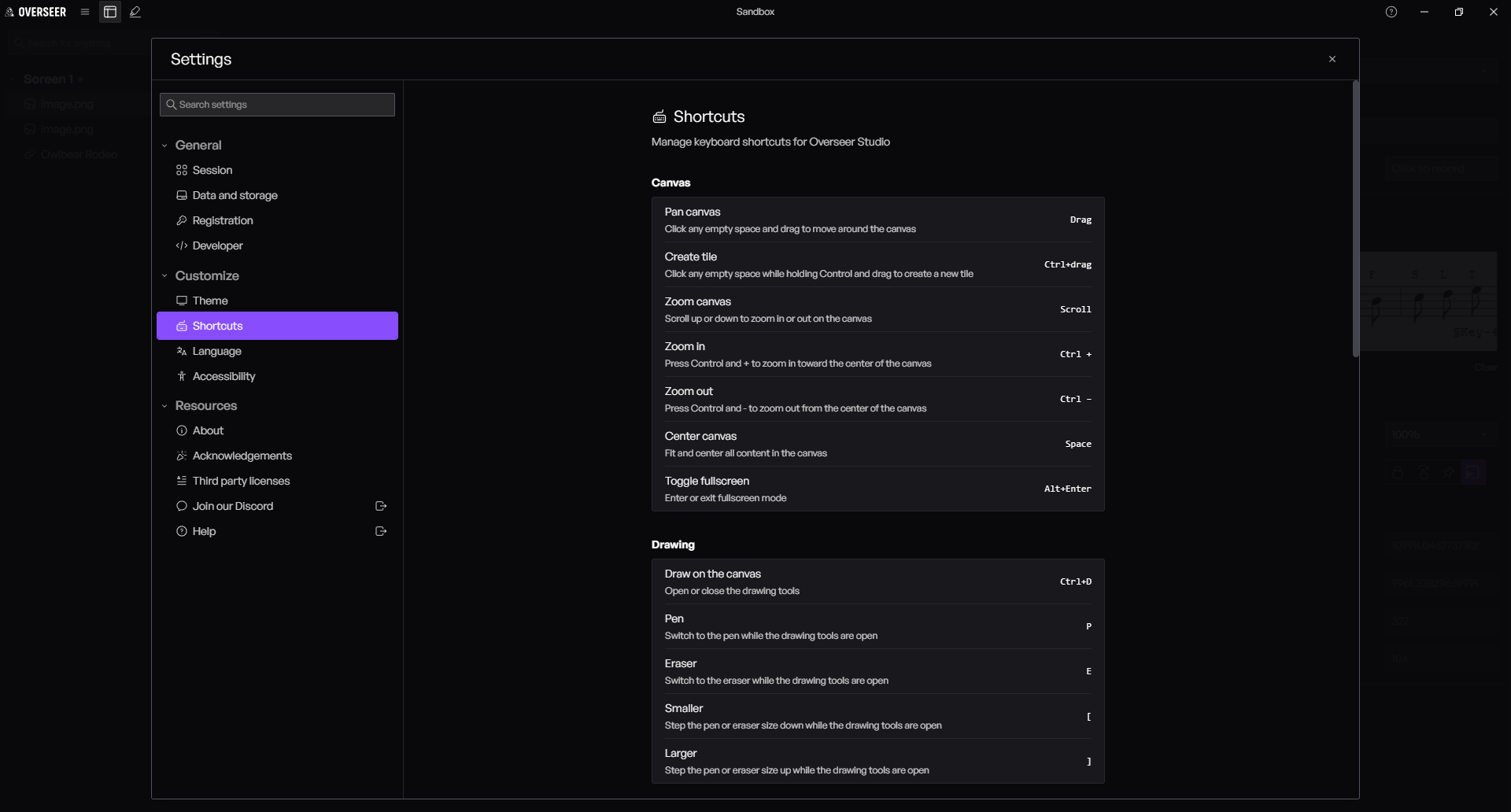
Enjoy cleaner, more readable forms to make customizing your digital GM screen easier.
PAX Unplugged
We'll be attending PAX Unplugged from December 4th - 6th. Find us wandering the halls to snap a picture with us and get a limited edition holographic Overseer sticker!

What's next?
2027 is going to be our biggest year, yet. I have the entire year planned leading up to our 1.0.0 launch at the end of 2027! Stay tuned for announcements and what to expect. Just know, all the big features you have requested are either in development or done already ... get hyped!
Can't wait to unfold what's next.
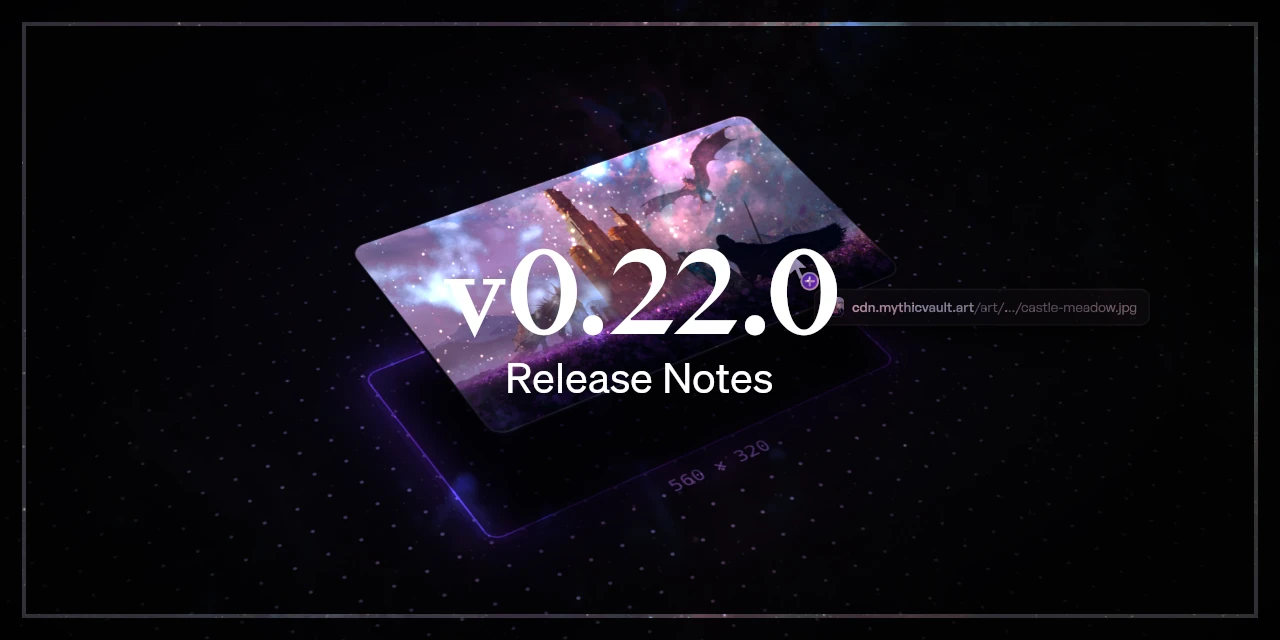
v0.22.0 introduces new features, light enhancements, performance upgrades, and bugfixes.
✨ Features
Drag 'n drop links, files, and more from Discord, Chrome, or any other program to automatically import into Overseer
🔧 Enhancements
Form elements, edit drawers, and settings pages are better organized
Manage plugins received a design overhaul, bringing it up to par with other designs
🚀 Performance
Improve performance of PDFs, cutting idle rendering time by 30%
Improve idle rendering time of canvas by 70%
Upgraded to Electron 45.2.3, improving performance and stability
🐛 Bugfixes
Fixed an issue where the grid could render blank spaces when resizing or moving the window
Fixed an issue where certain websites would fail Cloudflare bot checks due to an incorrect security setting
⚗️ Beta
Project Tether has been enabled for beta users. Please use the appropriate beta channels in Discord to discuss feedback and report issues.
Beta users will sometimes get access to features before they are available in order to help shape the user experience. If you're a beta user, you can find up-to-date information about new features in the #beta-releases Discord channel.
We are not accepting new applications for beta users at this moment. If you wish to be considered in the future, please email tom@overseer.studio with the subject "Overseer Studio Beta"